
Slow checkout
Queue gets long during peak hours. Staff key-in wrong items, customer gets impatient.

Scan faster, reduce stock mistakes, and track sales in real-time. Perfect for minimarket, boutique, pharmacy, and specialty retail.
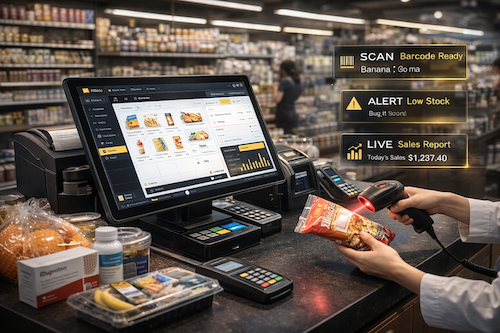
Retail owners usually don’t lose money from “no sales”. They lose money from slow checkout, wrong stock, and messy tracking.
Queue gets long during peak hours. Staff key-in wrong items, customer gets impatient.
You think still got stock, but actually finished. Or you overbuy because record not updated.

Different staff use different price. Promotion start/stop not controlled, margin become乱.

Void / discount / refunds without permission. End of day, you cannot track who did what.

Return process not standard. Stock not auto add back, report not clean, easy dispute.
You don’t know what’s selling, what’s dead stock, which cashier perform best.
Barcode speed, accurate inventory, and clean reporting — so you can sell faster and control stock better.

Scan to checkout faster. Support variants (size/color) and clean SKU control.
Track movement clearly — reduce missing stock and avoid overselling.
Record supplier purchases, receive stock properly, and keep cost history.
Know what’s running out before you lose sales. Set min-stock per item.

Run discounts, promo bundles, and member price tiers without messy manual edits.

Handle returns properly and keep stock + cashier records clean.
Understand what sells, when it sells, and where your profit comes from.

Track staff actions, voids, refunds, and shift performance — reduce fraud risk.
Simple flow for daily retail operations — faster checkout, accurate inventory, clear reporting.
Cashier scans barcode or search by name. Supports SKU, variants (size/color), and quick add.
Auto apply promotions, discounts, and member pricing. Split payment and refund flow supported.

Every sale updates inventory instantly. Track stock-in/out, purchase receiving, and low-stock alerts.

See what’s selling and who’s performing. Track daily summary, best sellers, profit trends, and staff actions.
Choose your store type — see how Pos2U helps with barcode, inventory and reports.
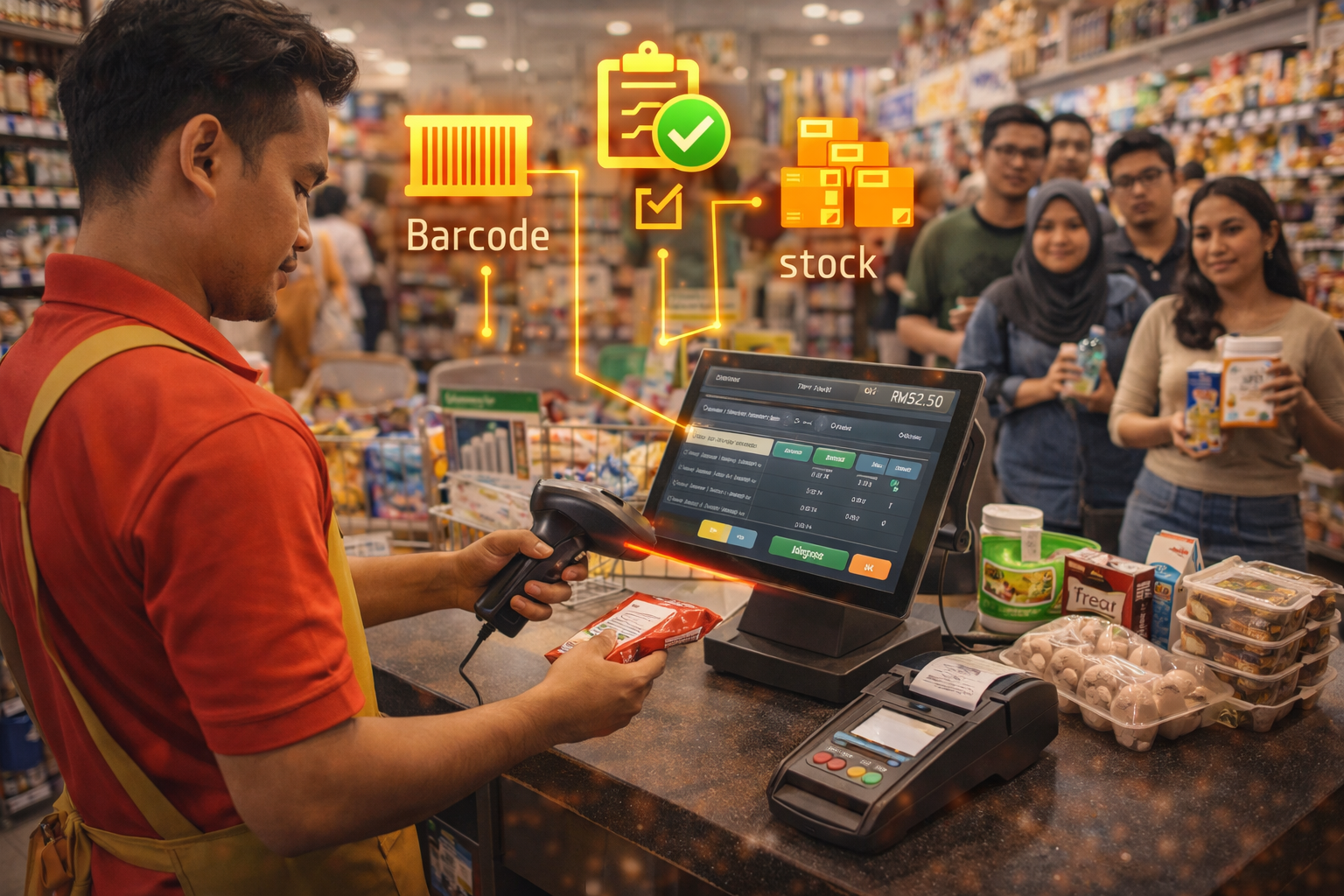
Fast barcode checkout during peak hours, cleaner stock control, less mistakes.
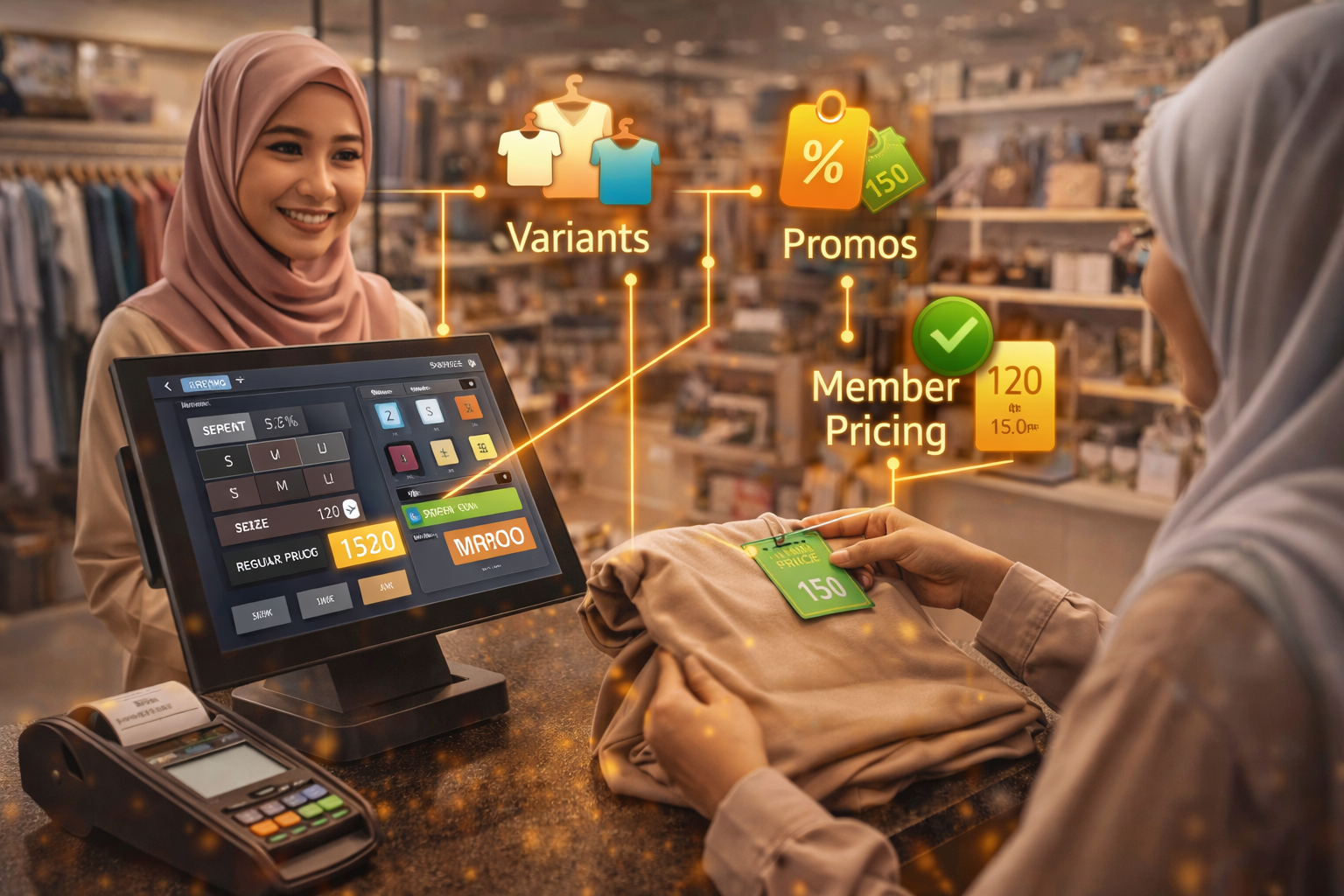
Variants like size & color, easy promos, and member pricing to increase repeat buys.
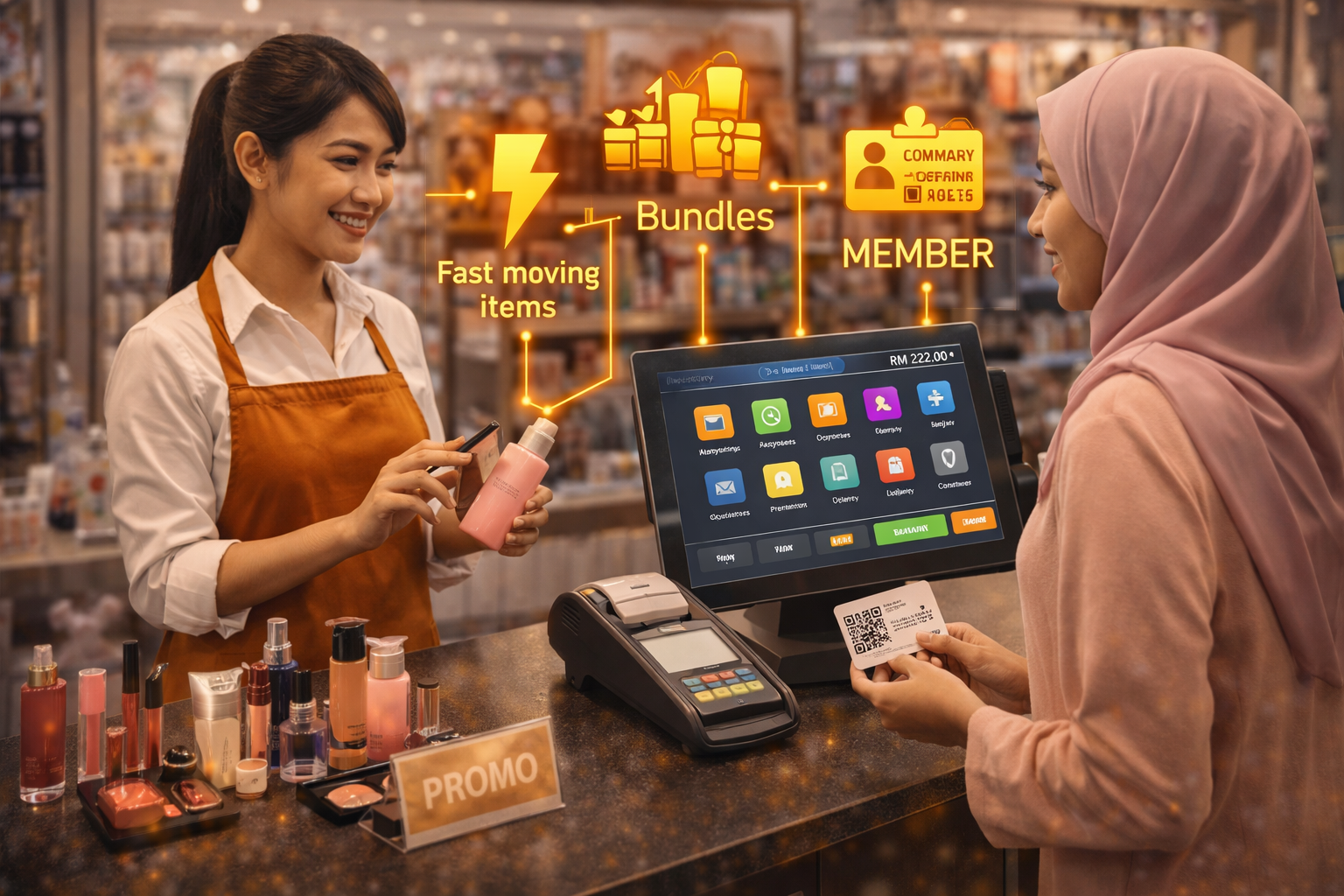
Track fast moving items, handle bundles, and sell membership for repeat customers.
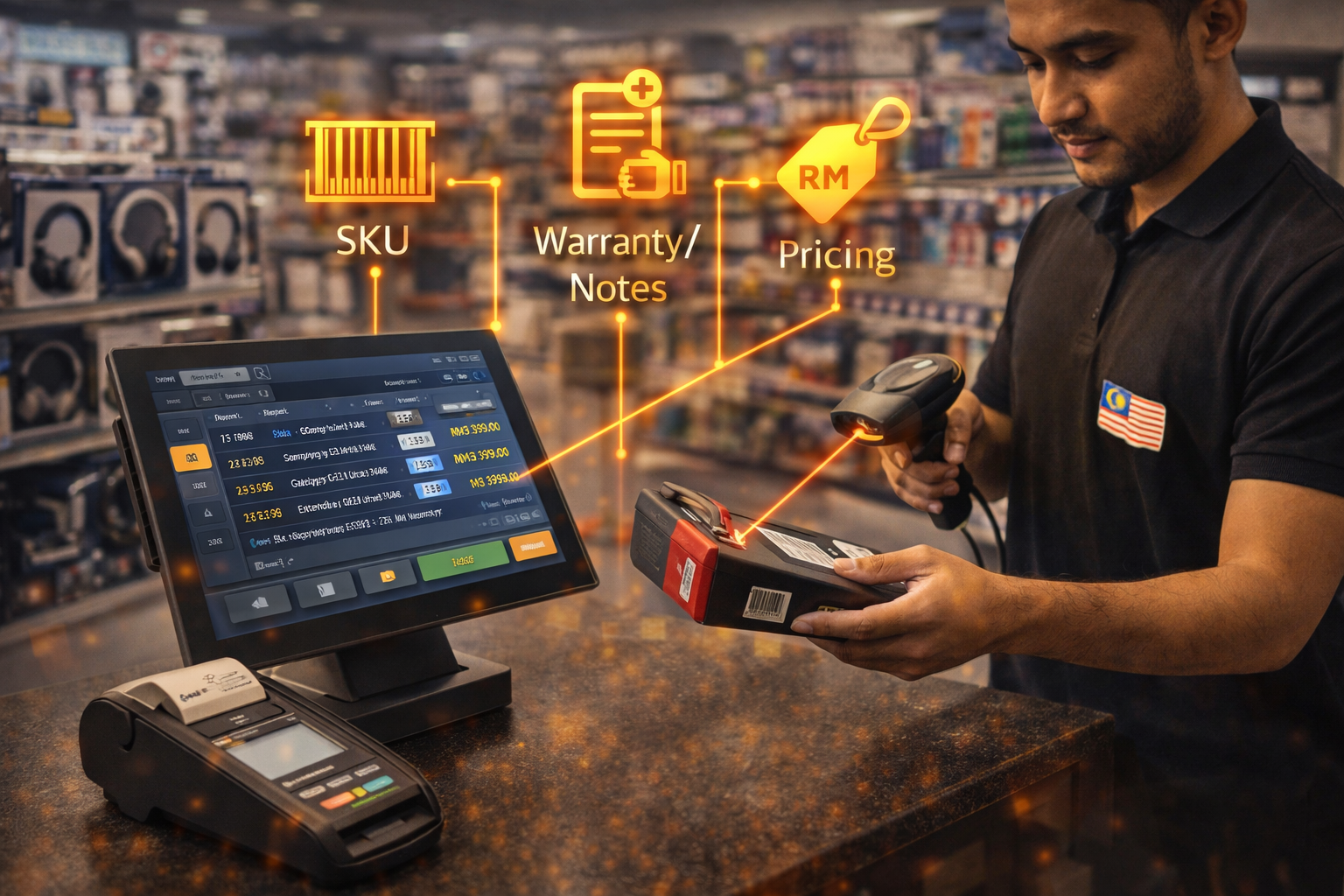
Quick SKU scan, track warranties/notes, and keep pricing consistent.
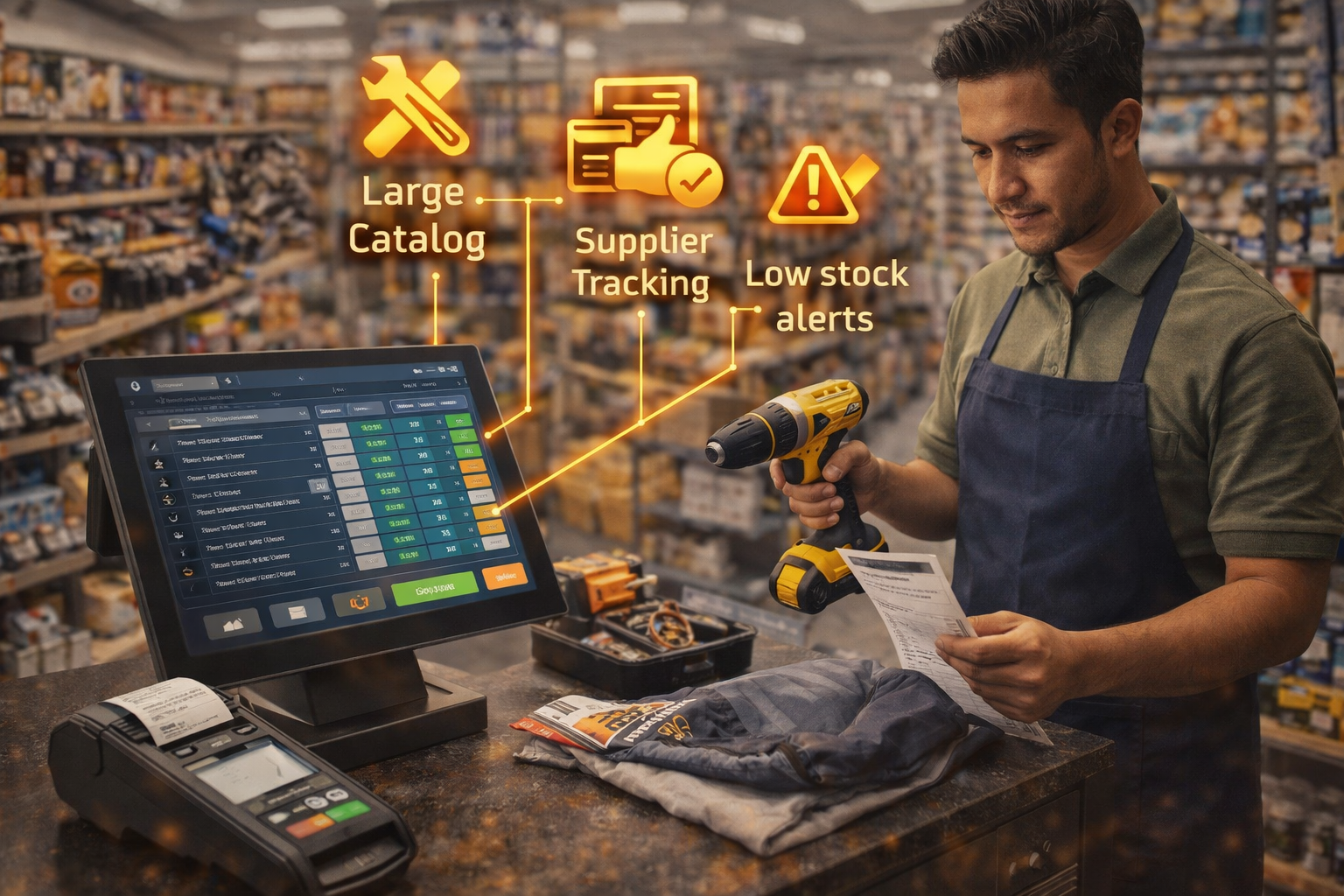
Large catalog, purchase receiving, supplier tracking, and low stock alerts.
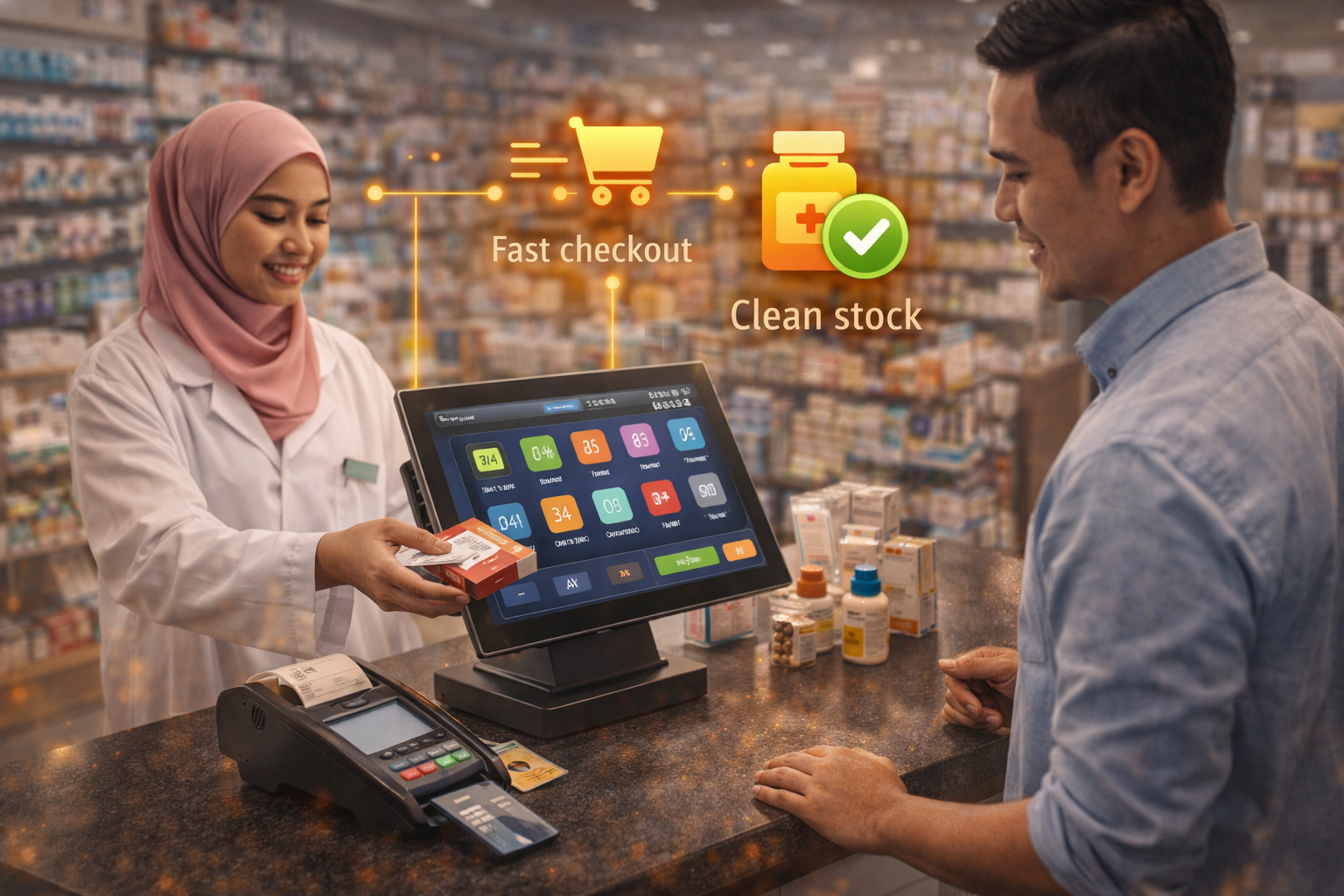
Fast checkout + clean stock record to reduce stock mismatch and losses.
Mobile POS, tablets, desktop counters, self-order kiosks, and kitchen displays — all ready to bundle with Pos2U.
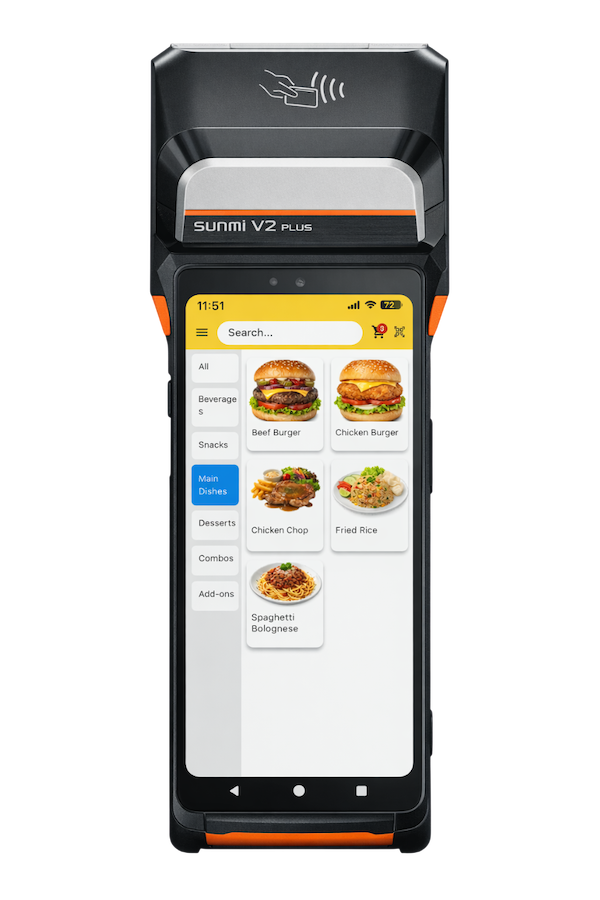
Take orders anywhere. Perfect for tableside, events, and pop-up booths.
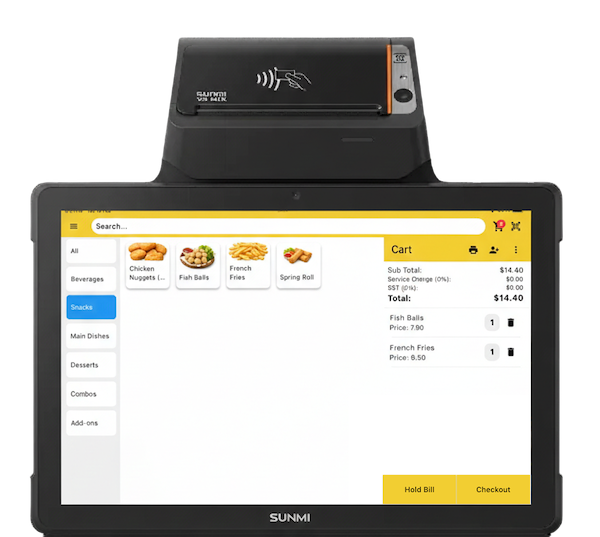
Clean counter setup with touch screen. Great for cafes and retail stores.
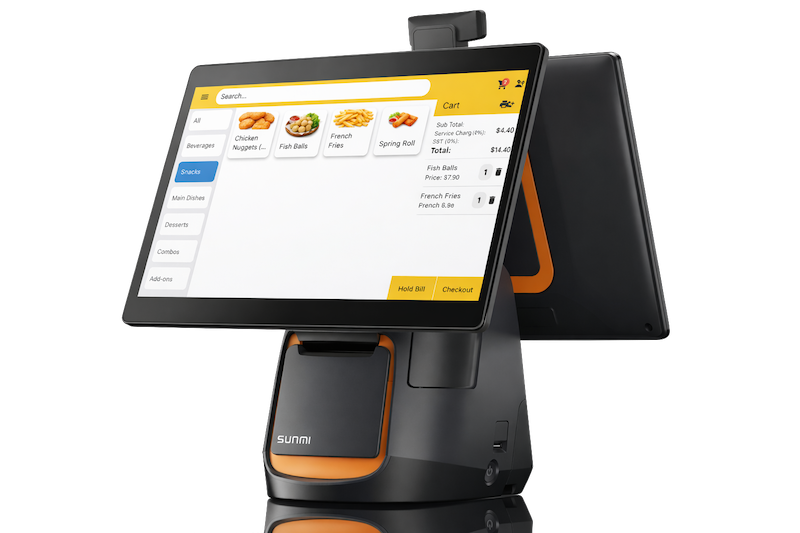
Best for high-volume counters. Bigger screen, faster operations, less mistakes.
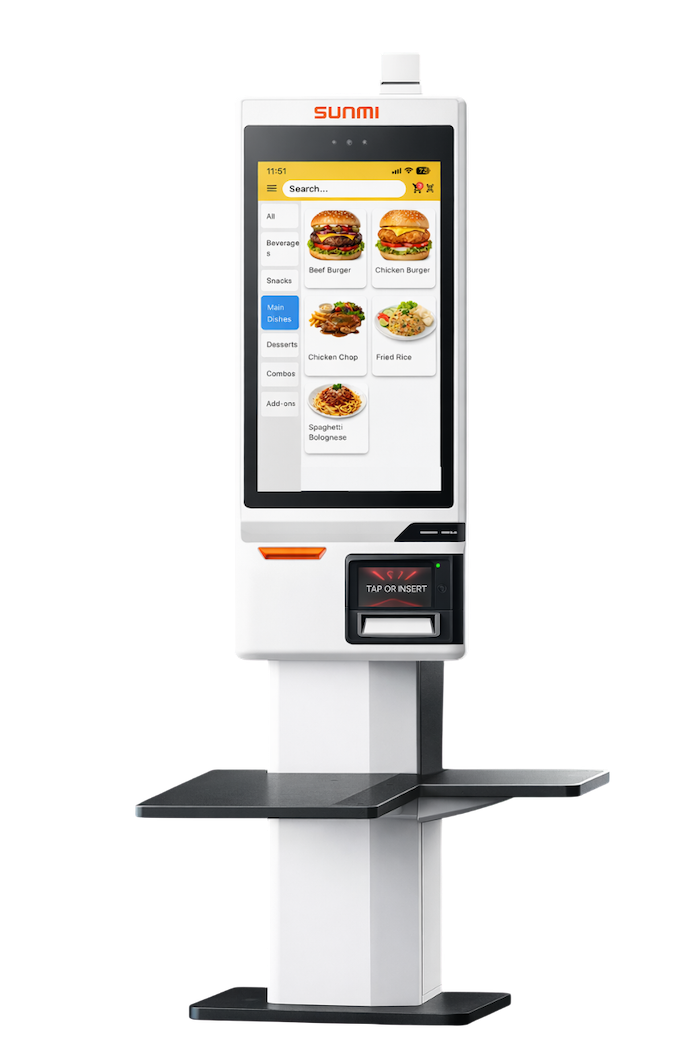
Let customers order by themselves. Reduce queue, reduce staff pressure.
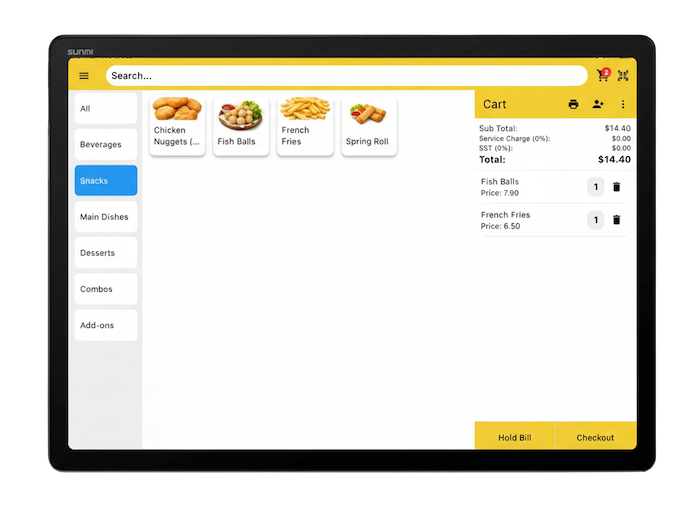
Orders go straight to kitchen screen. Clear status, faster prep, fewer missed items.
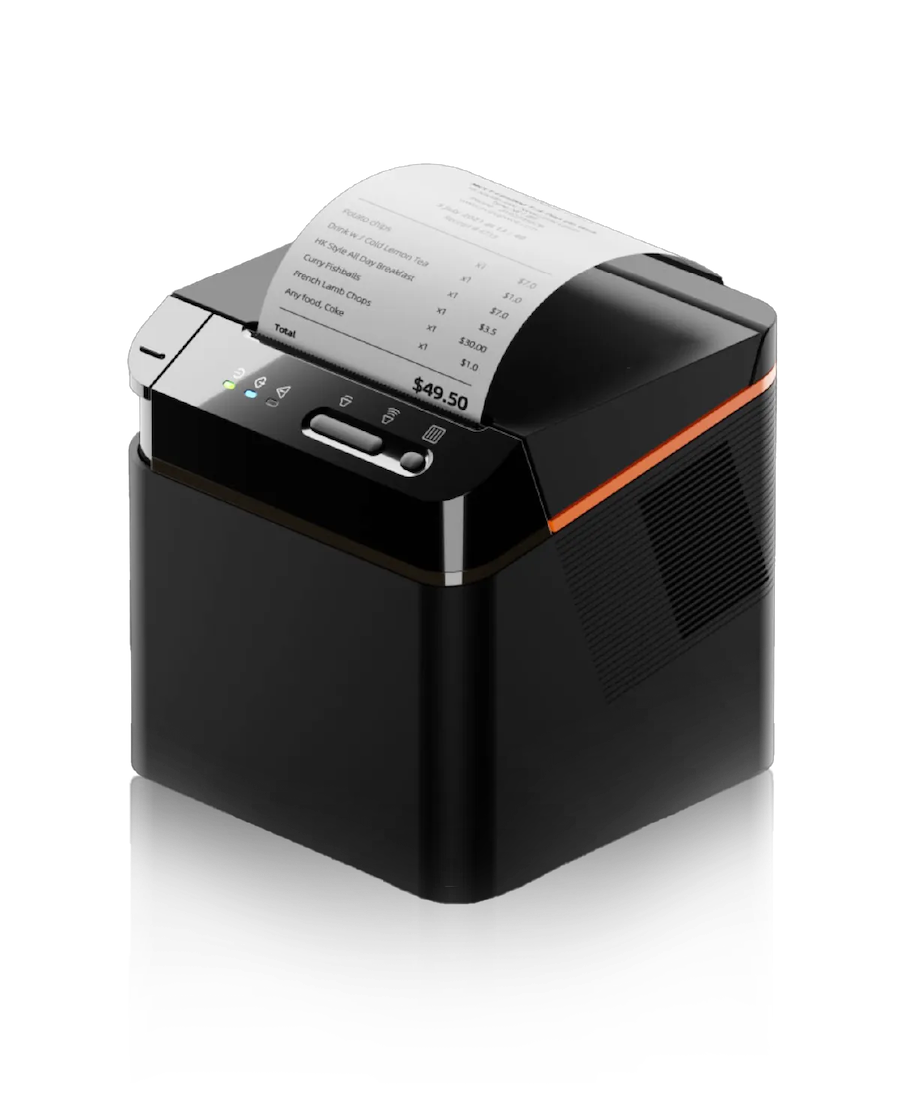
Complete your setup with printers, scanners, cash drawers, and more.
Tell us your industry and outlet size — we’ll recommend the best setup and pricing.
Quick answers before you choose plan, device, and workflow.
Yes. Starter is offline mode. You can do basic checkout and daily operations without admin panel and without online features.
Growth is online mode with admin panel and online features (reports, stock control, customer/membership tools — based on your setup), but it does not include multi-outlet.
Yes. Pos2U supports barcode scanning with SKU and variants (size/color/pack). You can also set different pricing, stock per variant, and track low stock alerts.
Every sale deducts stock automatically. You can do stock-in for new purchase receiving, stock adjustments, and track movement history. Low stock alerts help you reorder earlier.
Yes. You can set discounts, promo price, bundle deals, and member pricing. Cashier will see the correct price during checkout to reduce mistakes.
If you need HQ control (pricing/stock/staff) and compare outlet performance, then yes — Scale includes multi-outlet features and AI Copilot tools.
Common setup: tablet/desktop POS + barcode scanner + receipt printer + cash drawer. If you print labels, add a label printer. We can recommend based on your counter flow and SKU volume.
Yes. We can guide you to prepare the Excel template (barcode, name, cost, price, stock, category), then import into the system for faster setup.
Check sales, reports, and store performance anytime — even when you’re not at the counter.
Tell us your retail type and outlet size — we’ll recommend the best workflow, devices, and plan.