
CHAIN / MULTI-OUTLET HQ DASHBOARD · OUTLET CONTROL · LIVE REPORTS

One HQ dashboard to
control all outlets and scale with confidence.

Manage menu, pricing, inventory, staff roles, and performance across branches. Perfect for growing chains, franchises, and multi-location businesses.
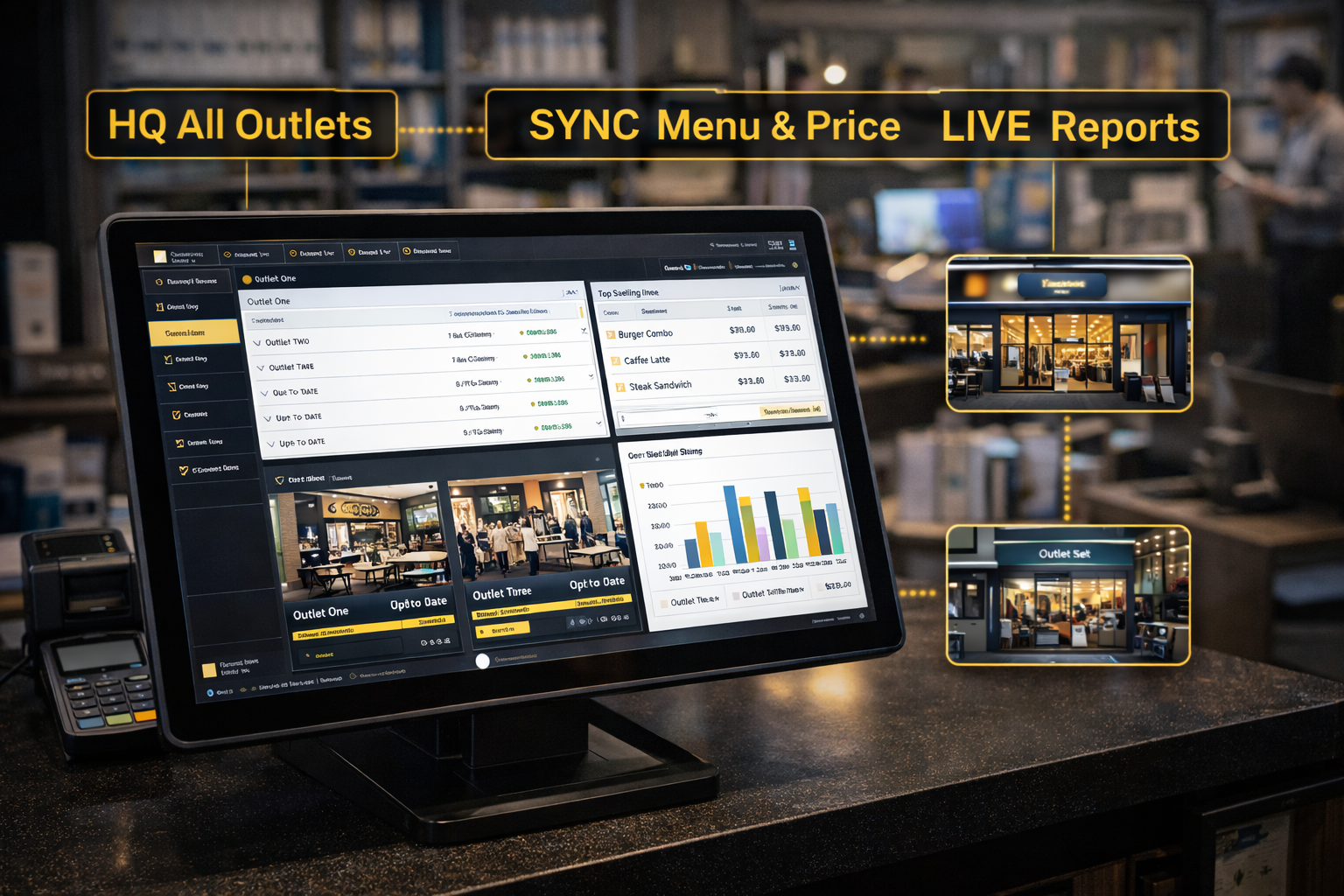
  • Centralized products/menu + outlet-level pricing control
  • Stock transfer + purchasing/receiving per outlet
  • Live outlet comparison + HQ reports and audit logs
HQ Control
One place
Outlet Compare
See winners
Operations
Less chaos
Multi-outlet HQ dashboard preview
PAIN POINTS CHAIN OPERATIONS · HQ VISIBILITY · CONTROL

Multi-outlet growth feels good… until operations become messy.

When you have 2, 5, or 20 outlets, small mistakes become big losses. Here are the most common problems we solve for chain businesses.

No HQ visibility

You can’t see outlet performance in one place. Reports come late, and decisions are slow.

  • Sales not synced
  • No outlet comparison
  • Hard to spot abnormal transactions

Menu & pricing inconsistency

Different outlets run different prices or item names. Customers get confused and complain.

  • Price mismatch
  • Duplicate SKUs / item codes
  • Promotion rules not aligned

Stock leakage across outlets

Inventory is hard to track when transfers happen daily. Loss and wastage increases.

  • No transfer record
  • Receiving not verified
  • Low stock is always “too late”

Staff control is weak

Without roles and audit logs, it’s difficult to control refunds, voids, and discounts.

  • Too many “manual” discounts
  • No approval flow
  • Refund/void abuse risk

No standard operating flow

Each outlet does things differently. Training is slow and quality becomes inconsistent.

  • Different SOP per outlet
  • Hard onboarding
  • Service quality drop

Too much data, no direction

You have numbers, but don’t know what to fix first. HQ needs clear action suggestions.

  • What to improve this week?
  • Which outlet is underperforming?
  • Which items are leaking profit?
Fix these issues with one HQ dashboard.
Central control + outlet reports + permissions + audit logs.
SOLUTION OVERVIEW WHAT POS2U SOLVES

Fix daily operation problems with one simple system.

POS2U helps you reduce mistakes, speed up work, and see your business clearly — from sales to stock, staff, members, and outlets.
Slow Checkout & Long Queue

Faster cashier flow with barcode / quick search, hotkeys, and simple payment steps.
  • Fast item scan + variants
  • Quick discounts & member price
  • Print bill in one step

Messy Stock & Inventory Loss

Track stock movement clearly to reduce missing items and improve re-order timing.

  • Stock-in/out + purchase receiving
  • Low stock alert + min level
  • Stock adjustment with log

Weak Member Retention

Turn walk-in customers into repeat customers with points, vouchers, and member tiers.
  • Points + loyalty wallet
  • Vouchers, promo, birthday rewards
  • Member pricing & tier rules

No Clear Reports

See performance instantly and make faster decisions — no more guessing.

  • Sales, profit & category reports
  • Cashier performance tracking
  • Daily summary + export

Hard to Manage Multi-Outlets

One HQ dashboard to control outlets, compare results, and standardize operations.

  • HQ & outlet roles / permissions
  • Outlet comparison + live dashboard
  • Stock transfer between outlets

No SOP / Hard to Scale

Standardize your process with system rules, logs, and AI assist for faster ops.

  • Audit logs + approval control
  • Templates for menu & pricing
  • AI Copilot (Scale plan)
CORE FEATURES MULTI-OUTLET MODULES

Everything you need to run a
chain business smoothly.

HQ can control outlets, standardize operations, and track performance in real-time — without messy spreadsheets.

HQ Dashboard

One place to monitor all outlets, sales, and operations.
  • Outlet overview + quick actions
  • Top outlet / product ranking
  • Live KPIs in one screen
Menu / Product Sync

Keep product, menu, and pricing consistent across branches.

  • Central catalog management
  • Outlet-level pricing options
  • Publish changes in minutes
Roles & Permissions

Control what staff can access at each outlet.
  • HQ admin / outlet manager / cashier
  • Permission-based modules
  • Audit logs for actions
Inventory by Outlet

Track stock levels separately, but report centrally.
  • Per-outlet stock in/out
  • Low stock alerts by outlet
  • Central stock summary
Stock Transfer

Move stock between branches with proper tracking.
  • Transfer request + approval flow
  • Transfer history & traceability
  • Reduce overstock / shortage
Purchasing & Receiving

Manage suppliers and purchases per outlet or HQ.
  • Purchase order by outlet
  • Receiving & cost tracking
  • Supplier list shared across outlets
Outlet Performance Reports

Compare sales, profit, and staff performance by outlet.

  • Outlet vs outlet comparison
  • Cashier performance tracking
  • Best sellers + slow movers
AI Copilot (Scale Plan)

Ask questions like “which outlet is dropping?” and get insights fast.

  • Trend alerts + smart summaries
  • Suggested actions (promo / reorder)
  • Natural language analytics
HOW IT WORKS

Multi-outlet workflow: Setup HQAdd OutletsOperateAnalyze

One HQ dashboard to manage products, pricing, staff access, inventory flow, and outlet performance — all in real-time.
01
🏢

Setup HQ dashboard

Create HQ account, define roles, and build your master product/menu list. HQ becomes the single source of truth.
  • HQ admin + role permissions
  • Master products/menu setup
  • Tax, receipt, and outlet rules
02
🏬

Add Outlets & sync settings

Add new branches fast. Sync products, choose outlet pricing, and assign staff access for each location.

  • Unlimited outlet onboarding
  • Outlet-level pricing control
  • Staff accounts per branch
03
⚙️

Operate daily with control

Run sales, inventory receiving, and stock transfers per outlet. HQ can monitor live performance without calling managers.

  • Purchasing + receiving per outlet
  • Stock transfer between branches
  • Audit logs + shift control
04
📊

Analyze and scale smarter

Compare outlets, spot best sellers, identify loss, and improve operations. Use insights to plan your next branch.

  • Outlet comparison dashboards
  • Top items + margin insights
  • Real-time sales & profit reports
USE CASES REAL CHAIN SCENARIOS

Built for different chain business models

Whether you run F&B, retail, service outlets, or franchise networks, Pos2U adapts to how your business actually operates.

🍽️

F&B Chain

Centralize menu, pricing, and promotions while keeping kitchen and ordering smooth at every outlet.
  • HQ menu & price sync
  • QR ordering + POS
  • Kitchen display (KDS)
  • Outlet sales comparison
Restaurant · Café · Bubble Tea
🏪

Retail Chain

Keep barcode, SKU, and stock consistent across all stores with real-time visibility.

  • Central SKU & barcode control
  • Stock transfer between outlets
  • Low stock alerts
  • Outlet performance reports
Minimarket · Pharmacy · Boutique
🧾

Service Chain

Manage appointments, packages, and staff performance across multiple branches.
  • Central service & package setup
  • Appointment tracking
  • Staff commission control
  • Branch-level reporting
Salon · Spa · Repair · Training
🏢

Franchise Model

Let HQ set rules while franchisees focus on daily operations — with clear data separation.

  • HQ rules & price control
  • Franchise-level access
  • Royalty & sales reporting
  • Audit logs & compliance
Franchise · Licensing · Brand Chain
SCALE PLAN ADD-ON

Your AI Copilot for multi-outlet decisions

Ask simple questions. Get clear answers. Spot issues faster, optimize outlets quicker, and scale with more confidence.

📉

Catch outlet drops early

AI flags unusual sales drop, slow hours, or product decline — so HQ can act before it gets worse.

  • Outlet-to-outlet comparison
  • Top item performance changes
  • Peak hour trend alerts
🎯

Suggest promos that make sense

Based on sales + basket patterns, AI suggests what to push, bundle, or discount — without guessing.

  • Bundle ideas to increase upsell
  • Slow mover recovery strategy
  • Member-targeted offers
📦

Smarter stock planning

Predict low-stock risk and recommend reorder timing — perfect for chains with shared suppliers.

  • Low-stock risk forecast
  • Suggested reorder quantities
  • Outlet transfer suggestions
DEVICES

Choose the right hardware
for your store

Mobile POS, tablets, desktop counters, self-order kiosks, and kitchen displays — all ready to bundle with Pos2U.
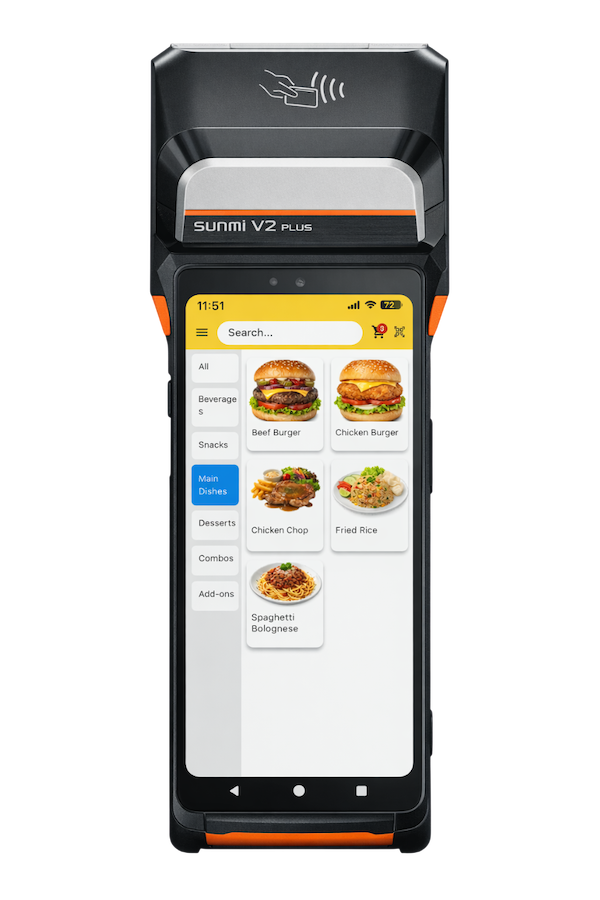
Mobile POS

Mobile POS

Take orders anywhere. Perfect for tableside, events, and pop-up booths.
  • Portable + fast checkout
  • Scan barcode / QR
  • Works with eWallet payments
View details
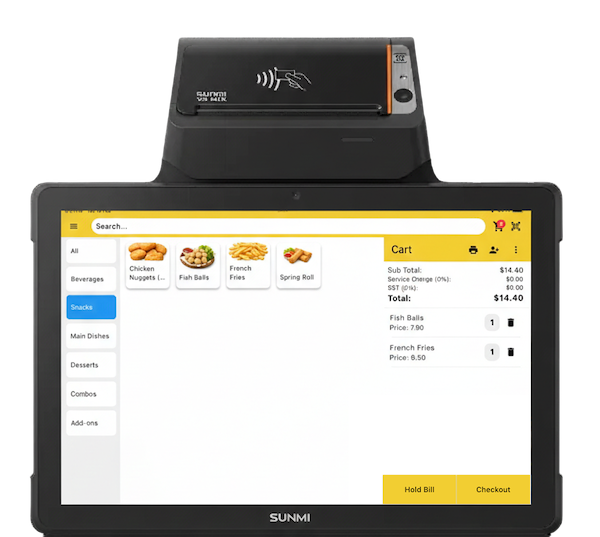
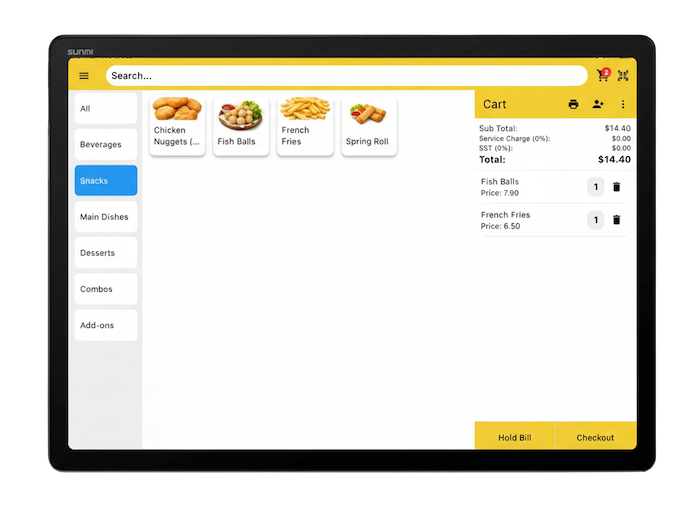
Tablet POS

Tablet POS

Clean counter setup with touch screen. Great for cafes and retail stores.
  • Stable counter workflow
  • Pairs with printer + cash drawer
  • Fast staff training
View details
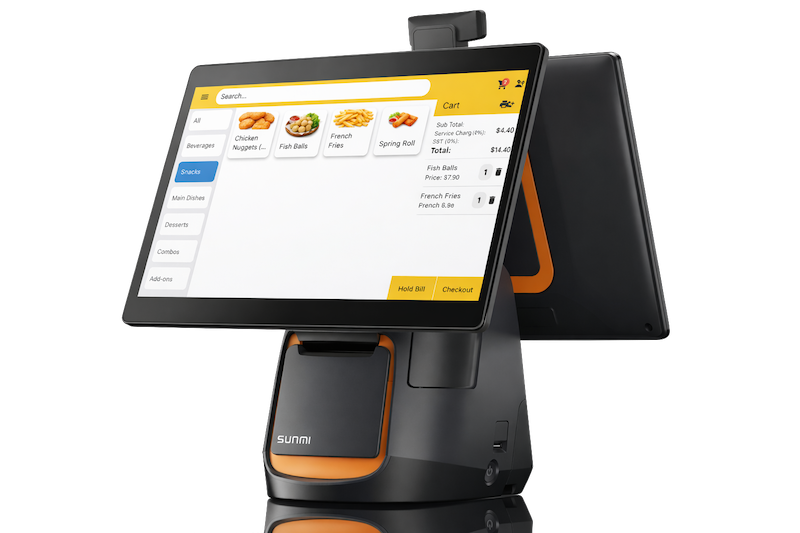
Desktop POS

Desktop POS

Best for high-volume counters. Bigger screen, faster operations, less mistakes.
  • Large display for peak hours
  • Best for multi-cashier counters
  • Optional customer display
View details
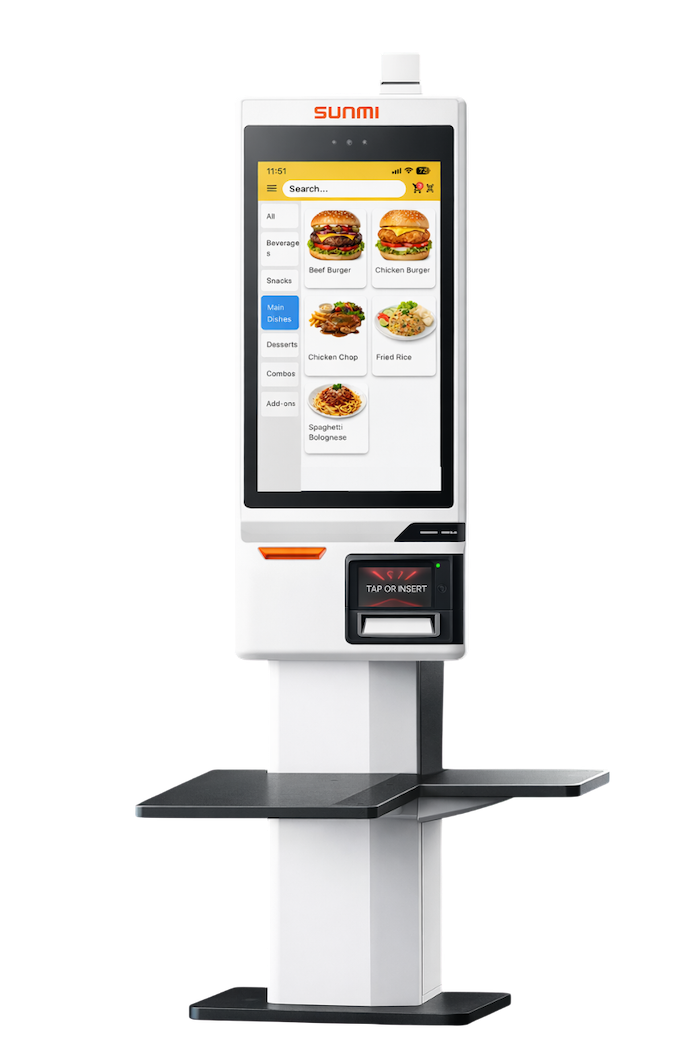
Self-ordering Kiosk

Self-ordering Kiosk

Let customers order by themselves. Reduce queue, reduce staff pressure.
  • Faster ordering + higher upsell
  • Works with QR / cashless
  • Best for busy F&B outlets
View details
Kitchen Display System

Kitchen Display (KDS)

Orders go straight to kitchen screen. Clear status, faster prep, fewer missed items.
  • Auto send orders to kitchen
  • Track preparation status
  • Works with multi-station kitchens
View details
Accessories

Accessories

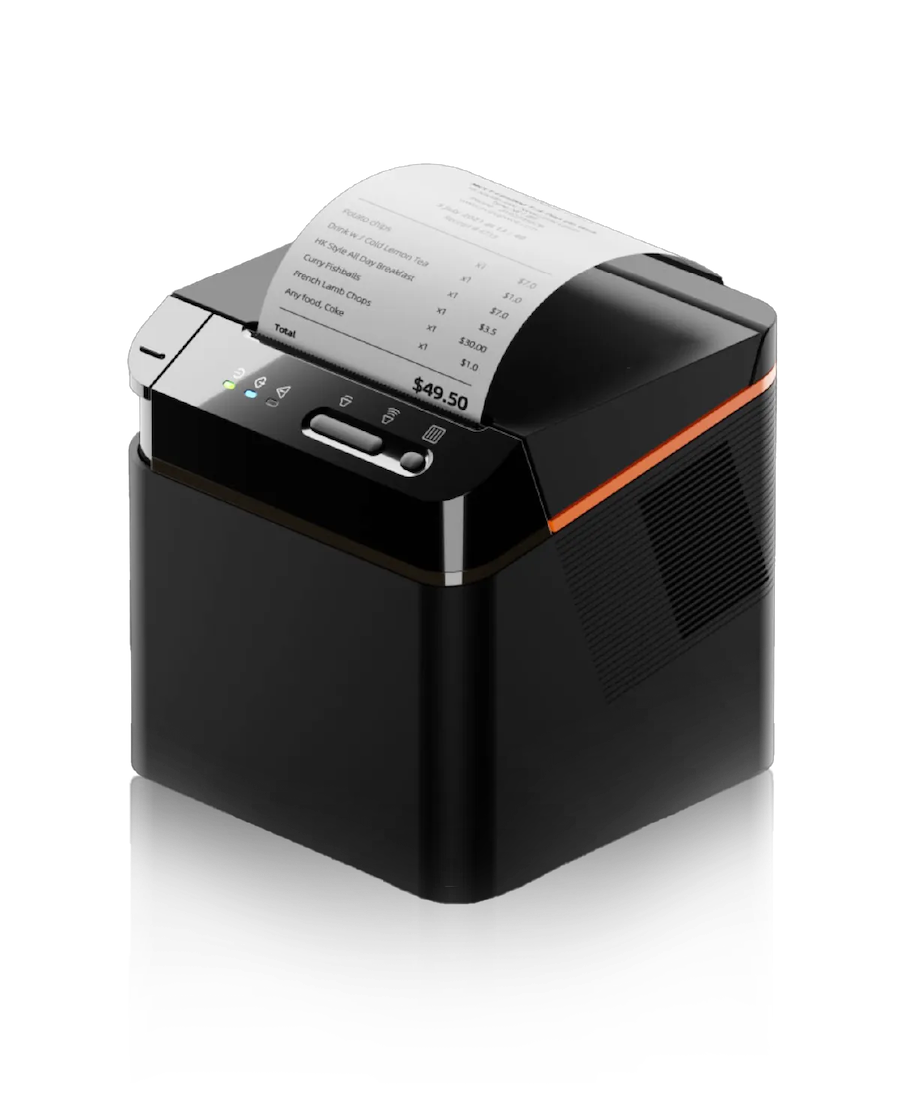
Complete your setup with printers, scanners, cash drawers, and more.

  • Receipt / label printers
  • Barcode scanner
  • Cash drawer + router
View details

Need a hardware + software bundle?

Tell us your industry and outlet size — we’ll recommend the best setup and pricing.

FAQ

Common questions about Multi-outlet

Quick answers to help you decide faster.

You can start with 2–3 outlets, then scale to more anytime. HQ dashboard supports outlet comparison, permissions, and reporting by branch.

Yes. HQ can manage products/menu, pricing, and campaigns centrally. You can also allow outlet-level override if needed (optional by permission).

Yes. You can set roles like HQ Admin, Outlet Manager, Cashier, Kitchen, and more. Permissions can be controlled per outlet with audit trail (who did what).

Stock can be tracked per outlet, and you can do inter-outlet transfer with clear records. HQ can view movement history and current stock balance by branch.

For cloud mode, we recommend stable internet + optional 4G backup router. Many outlets keep selling with minimal disruption, then sync once connection is back (depending on your setup).

Yes. We can limit access so franchise users only view their outlet data. HQ keeps full visibility across all outlets.

DOWNLOAD APP

Pos2U Mobile App

Check sales, reports, and store performance anytime — even when you’re not at the counter.

Available for Growth & Scale plans.
READY TO SCALE?

See Pos2U in action.
Get your chain setup plan in 15 minutes.

Tell us how many outlets you have. We’ll recommend the best setup, modules, and devices.

  • HQ dashboard to monitor all outlets in real-time
  • Central menu, pricing, stock & staff permissions
  • Local support + guided onboarding
Scale plan ready Multi-outlet control Hardware bundle available
Quick Enquiry We reply within 1 business day
By submitting, you agree we may contact you about Pos2U.