Fast checkout
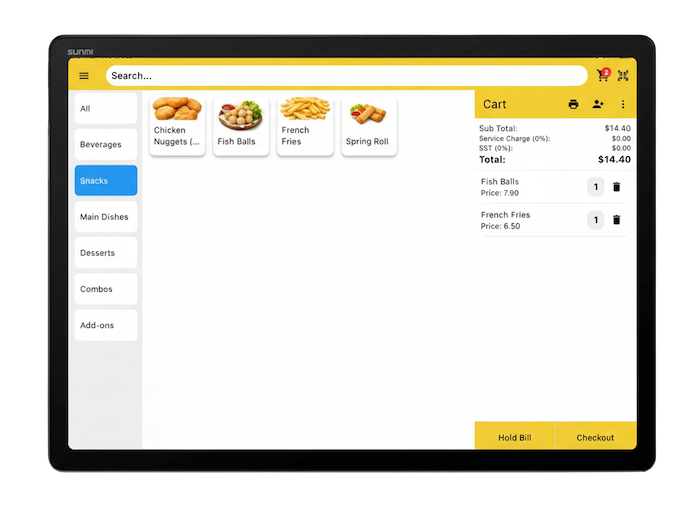
Use quick buttons or barcode scan to reduce queue and serve more customers during peak hours.
- Quick item buttons
- Barcode / QR scan ready
- Split bill & add-on support

Perfect for bazaar, expo, booth, food truck, and weekend market. Quick item setup, fast scanning, and reliable selling even when internet is weak.
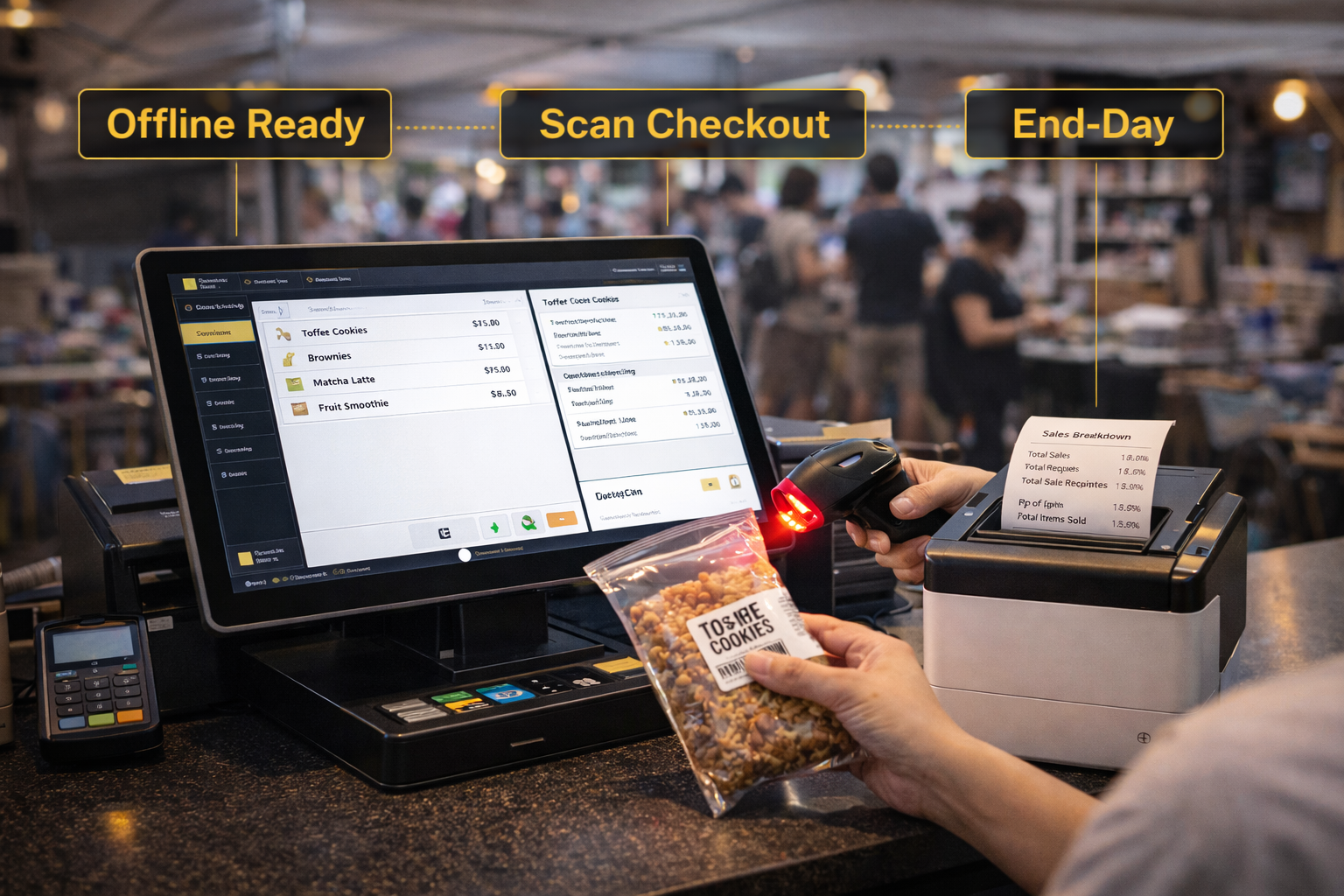
Same booth. Same staff. Different system.
Tip: Start with Starter (Offline). Upgrade to online when event ends.
Quick setup, smooth checkout, and clean end-of-day reporting — even with limited manpower.
Use quick buttons or barcode scan to reduce queue and serve more customers during peak hours.
No WiFi? Still can sell. Data sync when internet is back (online plan).

Run simple discounts, combos, or member price — great for events and bazaar deals.
Track stock-in/out and see low stock early — avoid selling items you don’t have.

Assign roles, track cashier actions, and reduce mistakes in busy environments.
Know total sales, best items, and payment breakdown — instantly after event ends.
Perfect for pop-up booths, bazaars, expo events, and weekend markets.
Use template or simple item list. Categories + prices ready in minutes.
Tablet / mobile POS with receipt printer and scanner — plug & sell.
No internet? Still can sell. When online, you get admin panel + extra features.
One click to see total sales, best-sellers, payment breakdown, and stock movement.
Pick a use case — sell faster, track sales, and stay in control even during peak hours.
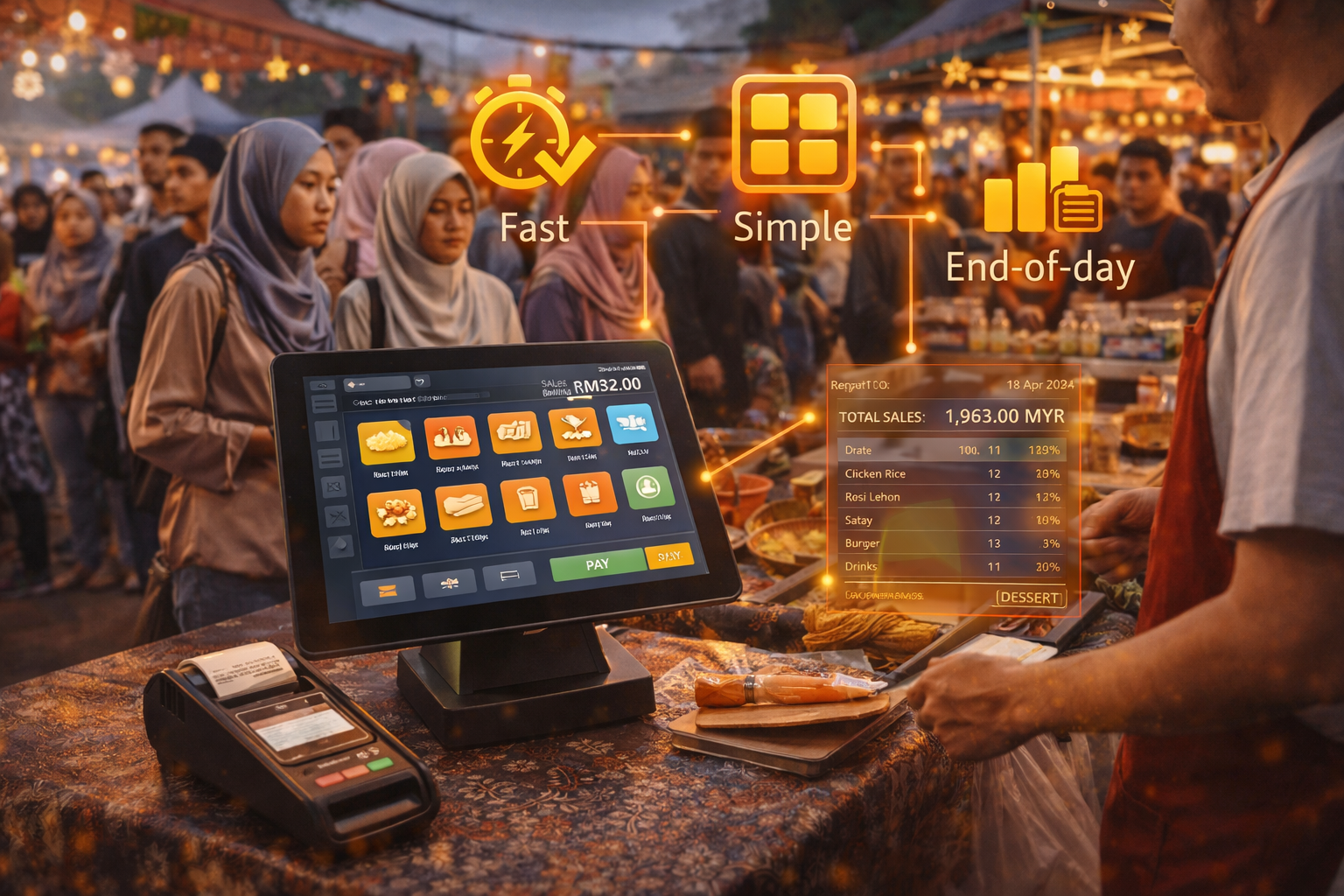
Fast checkout for long queues, simple item buttons, end-day sales report.
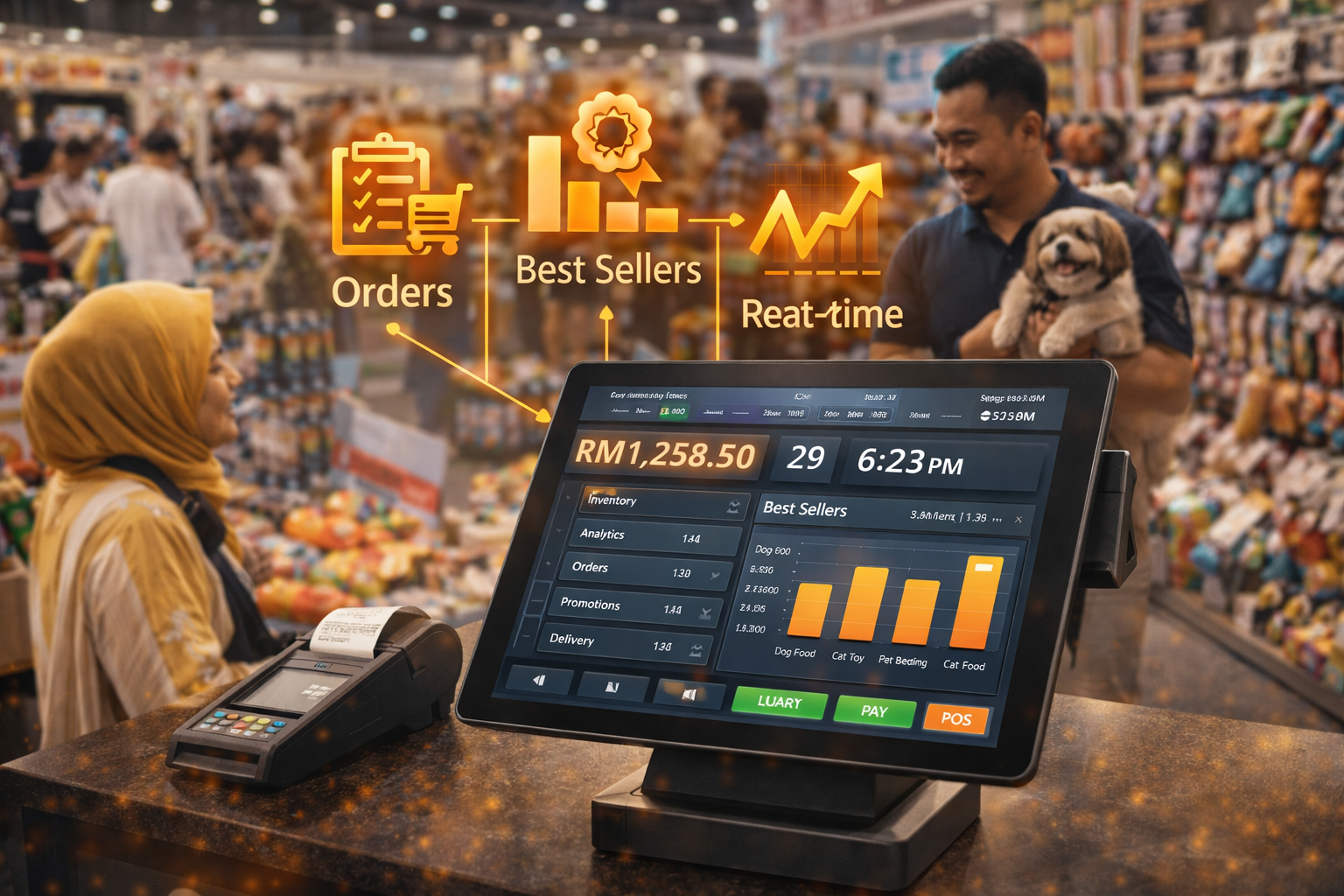
Collect orders, track best sellers, and view performance in real-time.
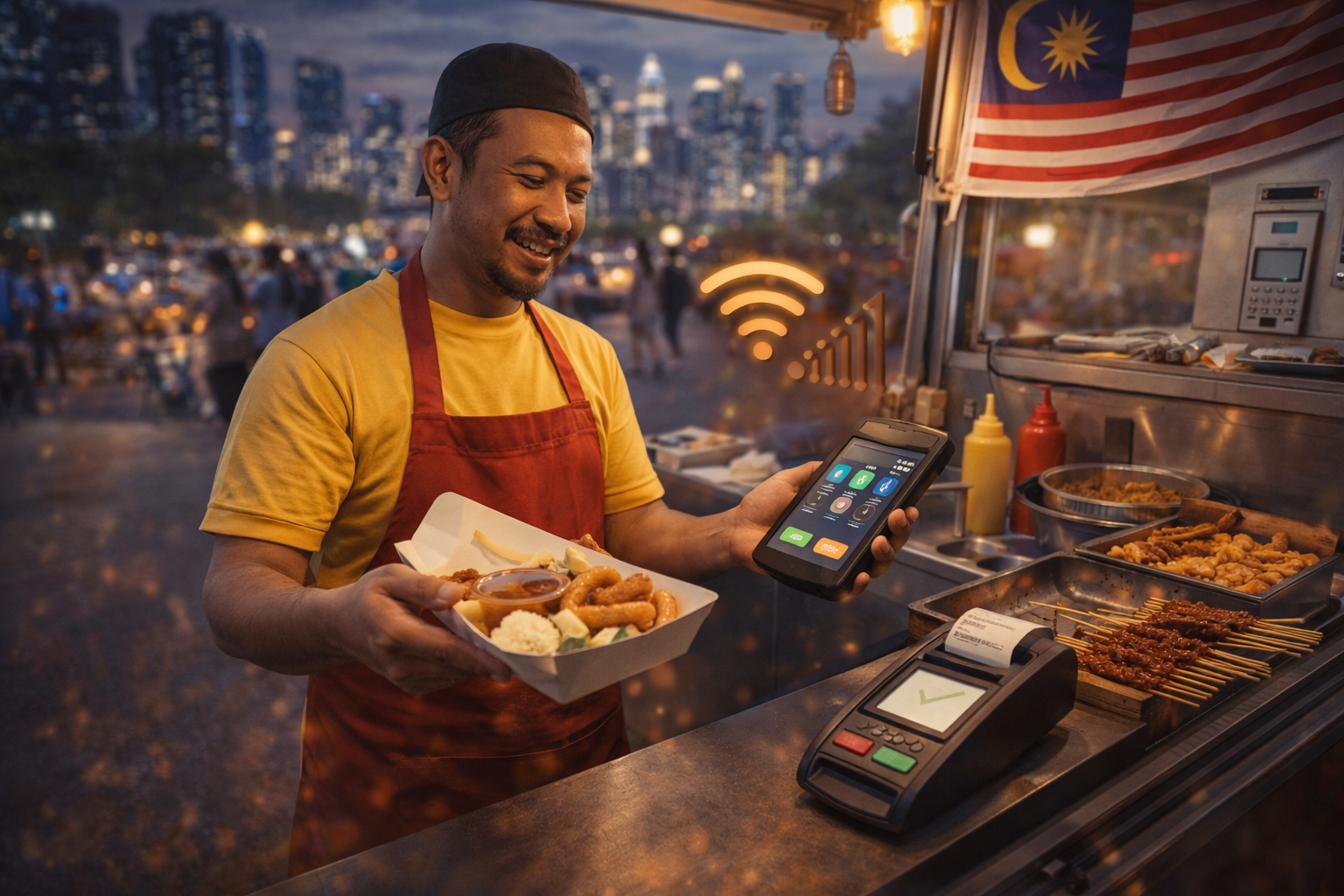
Sell anywhere with portable setup — even without stable WiFi.
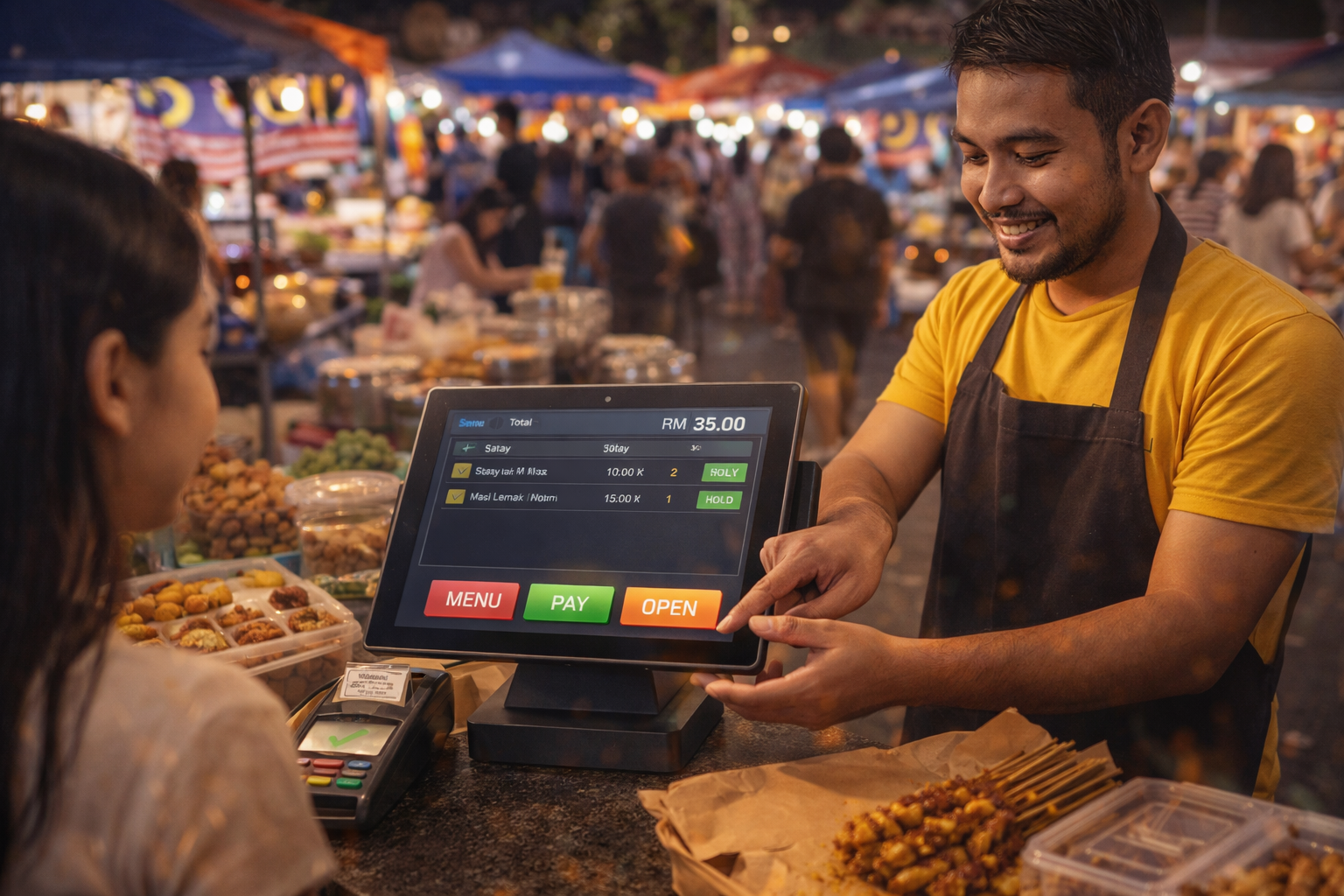
Simple buttons, faster checkout, reduce mistakes during peak crowds.
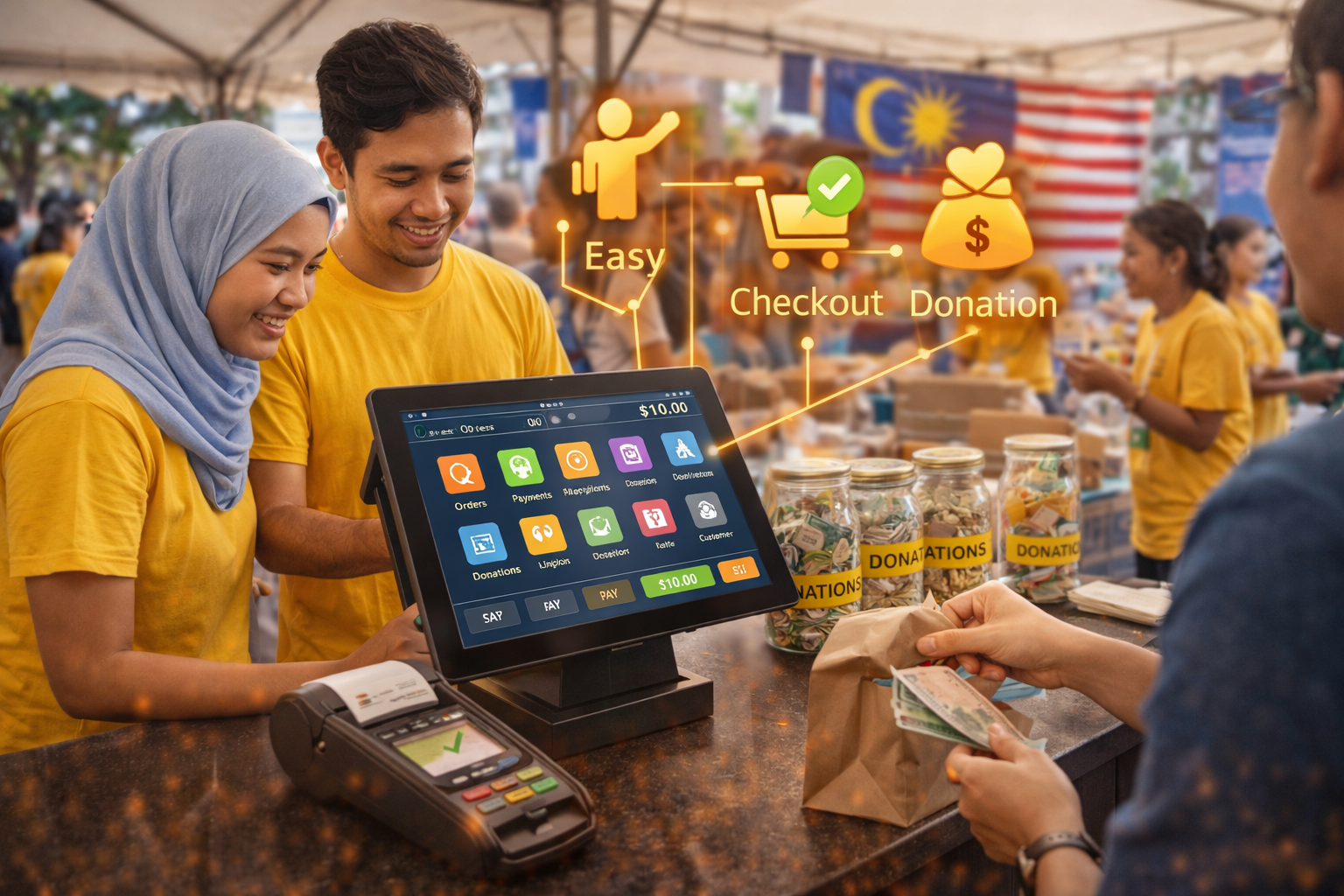
Easy for volunteers to learn, simple checkout, clear tracking for donation sales.
Mobile POS, tablets, desktop counters, self-order kiosks, and kitchen displays — all ready to bundle with Pos2U.
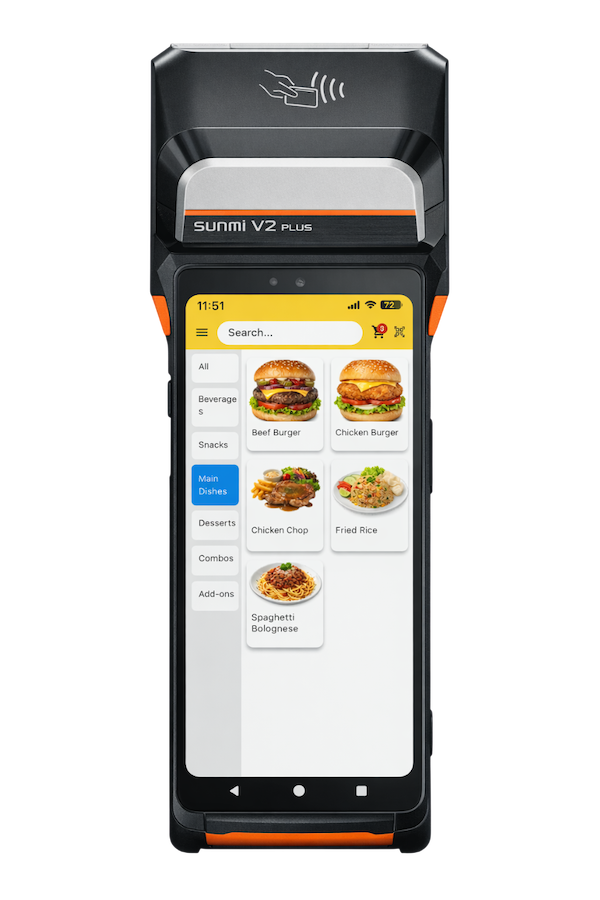
Take orders anywhere. Perfect for tableside, events, and pop-up booths.
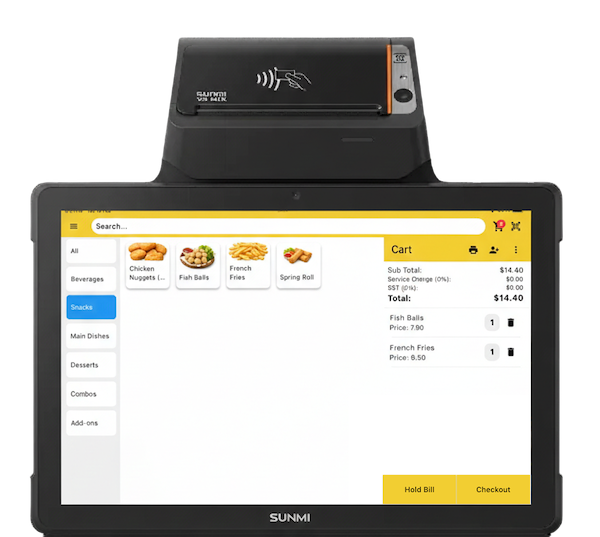
Clean counter setup with touch screen. Great for cafes and retail stores.
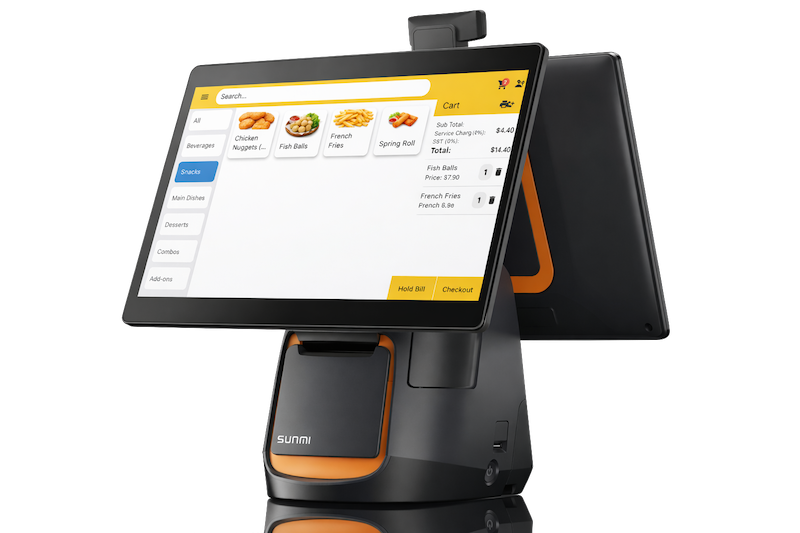
Best for high-volume counters. Bigger screen, faster operations, less mistakes.
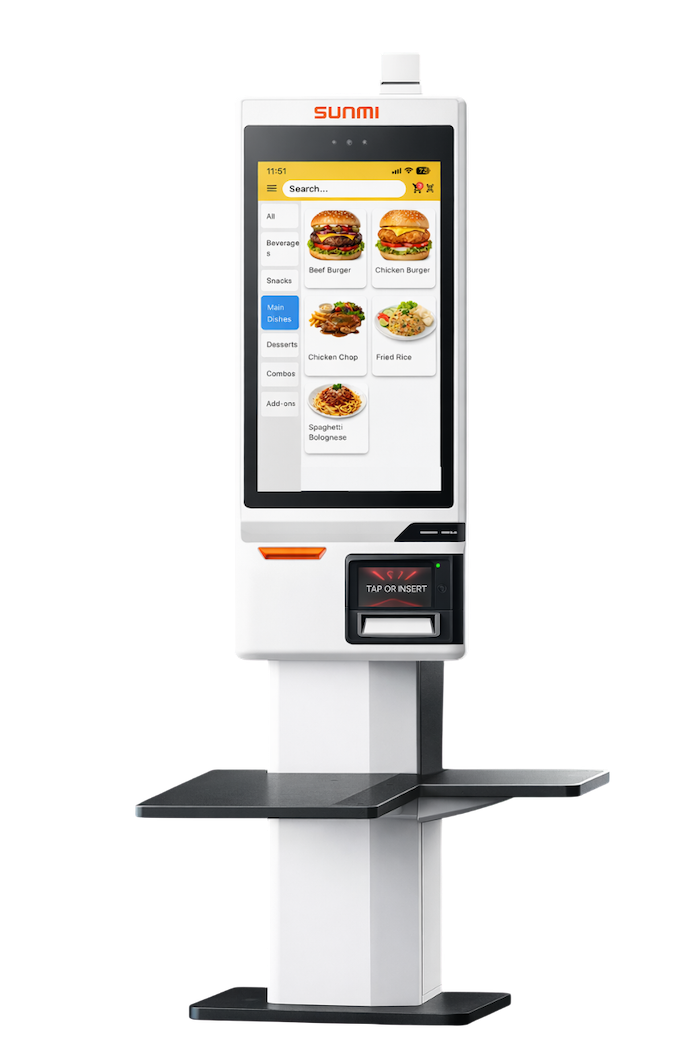
Let customers order by themselves. Reduce queue, reduce staff pressure.
Orders go straight to kitchen screen. Clear status, faster prep, fewer missed items.
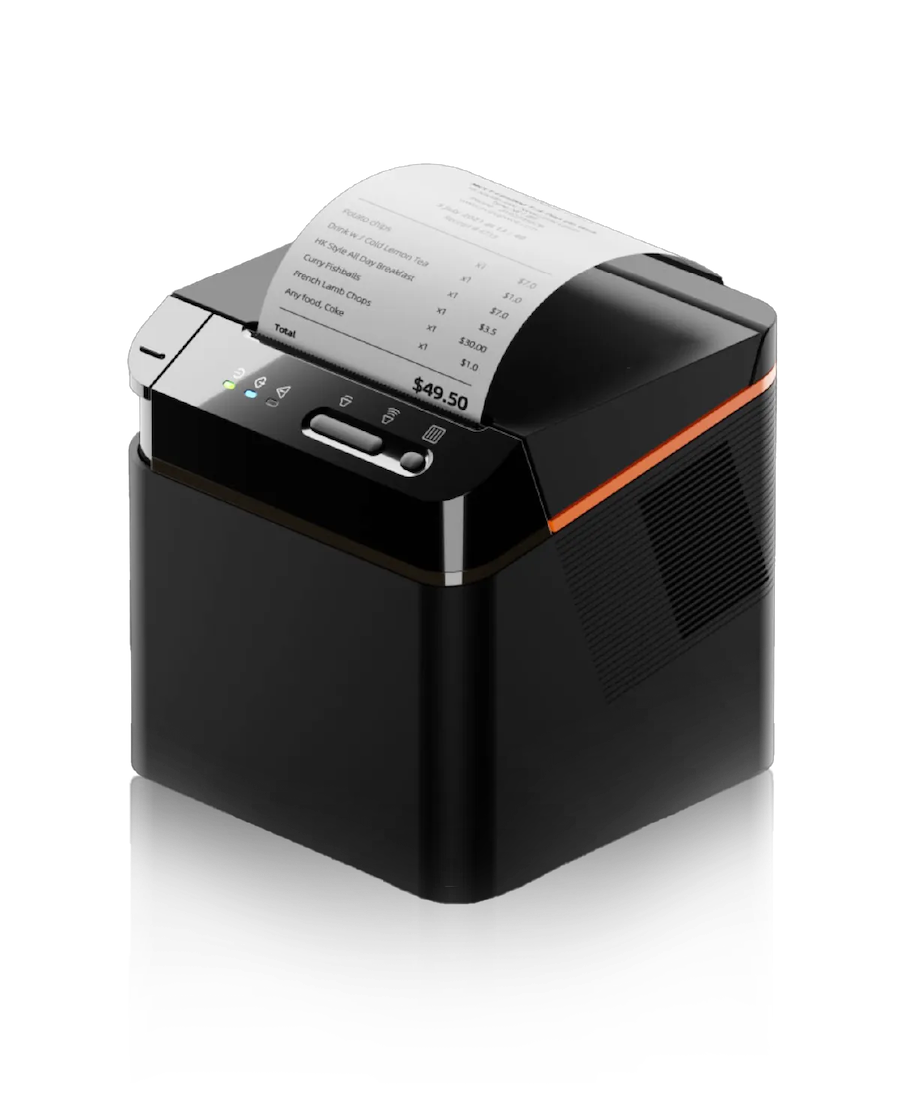
Complete your setup with printers, scanners, cash drawers, and more.
Tell us your industry and outlet size — we’ll recommend the best setup and pricing.
Quick answers to help you setup faster and sell smoother.
Yes. You can run in offline mode for basic selling. If you need online features (live dashboard / sync), use cloud mode with stable WiFi or 4G backup.
If your product list is ready, setup can be done very fast. We can help you import items, set prices, and prepare quick buttons for smoother checkout.
Yes. You can connect a thermal printer for receipts. Payment methods depend on your device and payment provider setup (cash, eWallet, card).
Yes. You can view item performance, total sales, and cashier performance. End of day report helps you count cash, reconcile payments, and plan stock for next day.
Yes. You can create multiple staff accounts and roles (cashier / supervisor). For higher volume, you can run multiple devices and sync in cloud mode.
Typical setup: 1 POS device (tablet), 1 receipt printer, optional barcode scanner, and a 4G router for backup internet. Tell us your booth type and queue volume — we recommend the best set.
Check sales, reports, and store performance anytime — even when you’re not at the counter.
Tell us your event type and booth size — we’ll recommend the best device bundle and workflow.